Buying guide
Dash camera kits
Front and rear views cover two directions with fewer cable runs. Choose four channels when cabin recording is an actual requirement. Compare included cards and parking-mode power before pricing the kits.
| Listing | When to consider it | What to check |
|---|---|---|
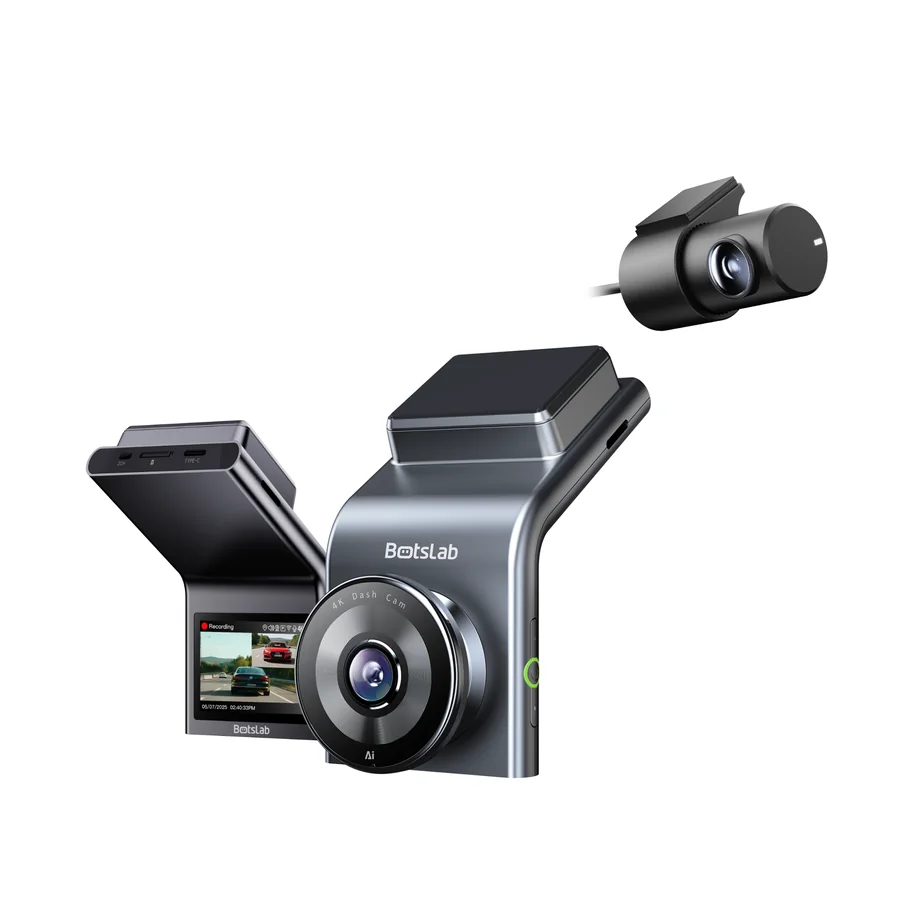 | Look here for a front and rear setup with a listed 64 GB card to start recording. | Check the included card and rear-camera cable, and whether parked operation needs a separate power kit. |
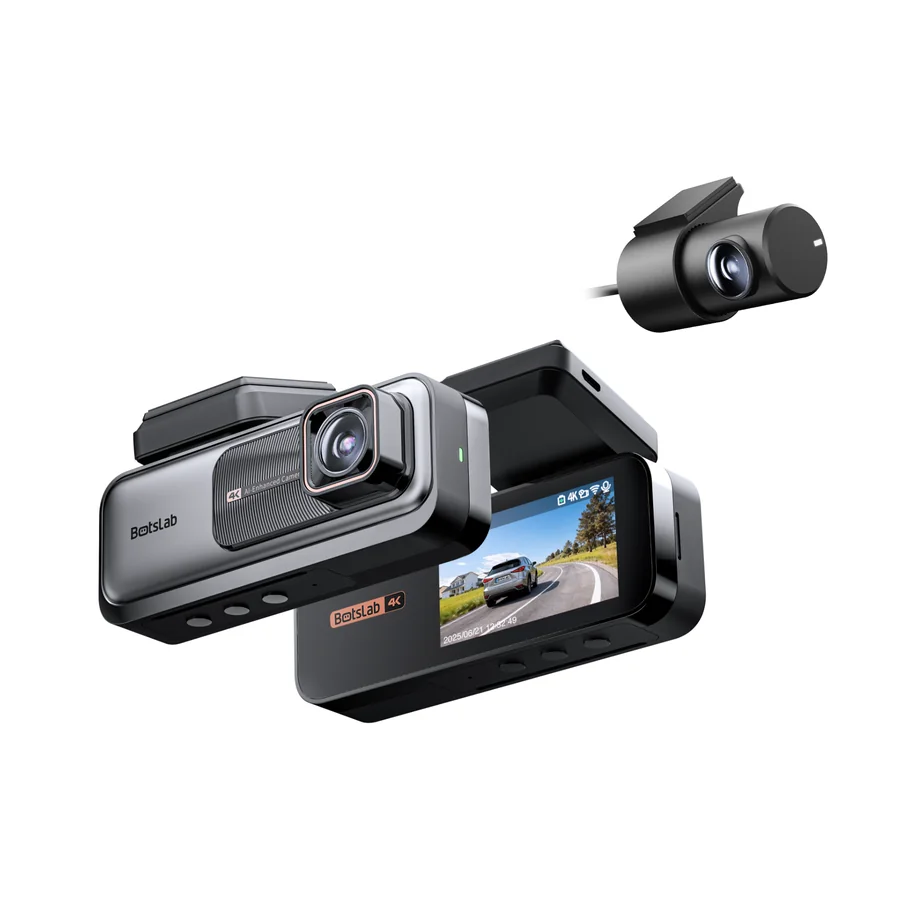 | Choose this G980H variant for two exterior views and a listed 64 GB card. | Confirm two channels, card inclusion, and any hardwire kit before checkout. |
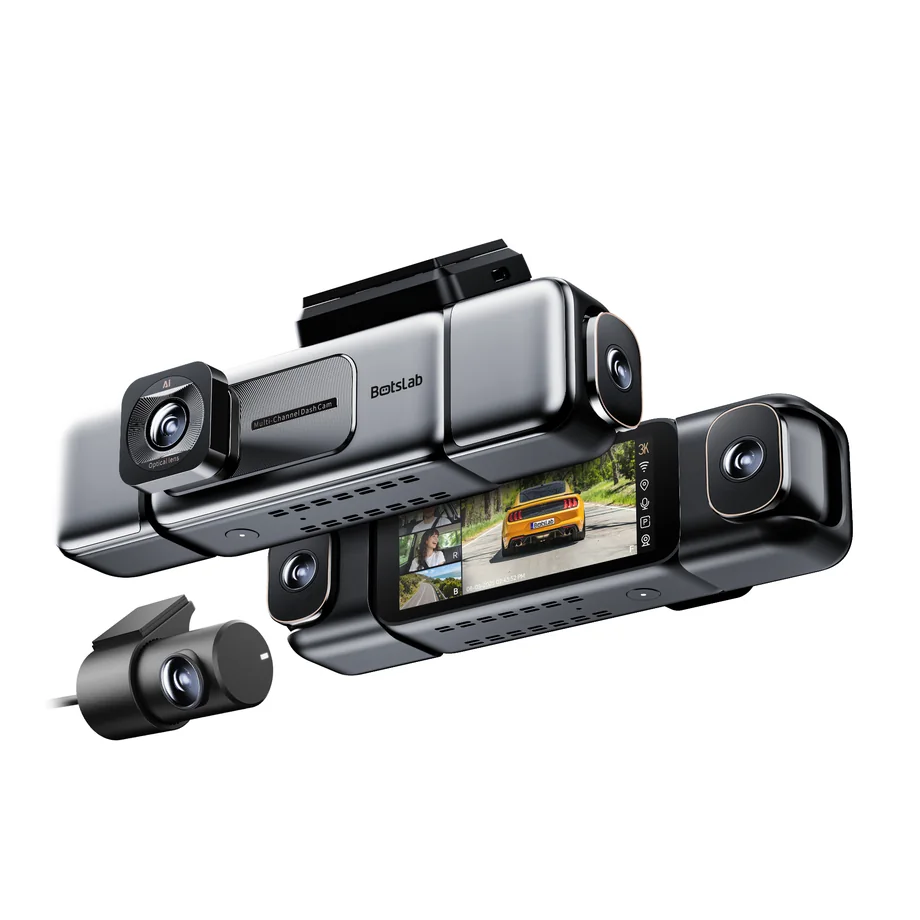 | Choose this bundle if front, rear, and cabin views all matter to your use case. | Confirm the listed 128 GB card, camera count, saved playback layout, and parking-power accessories. |
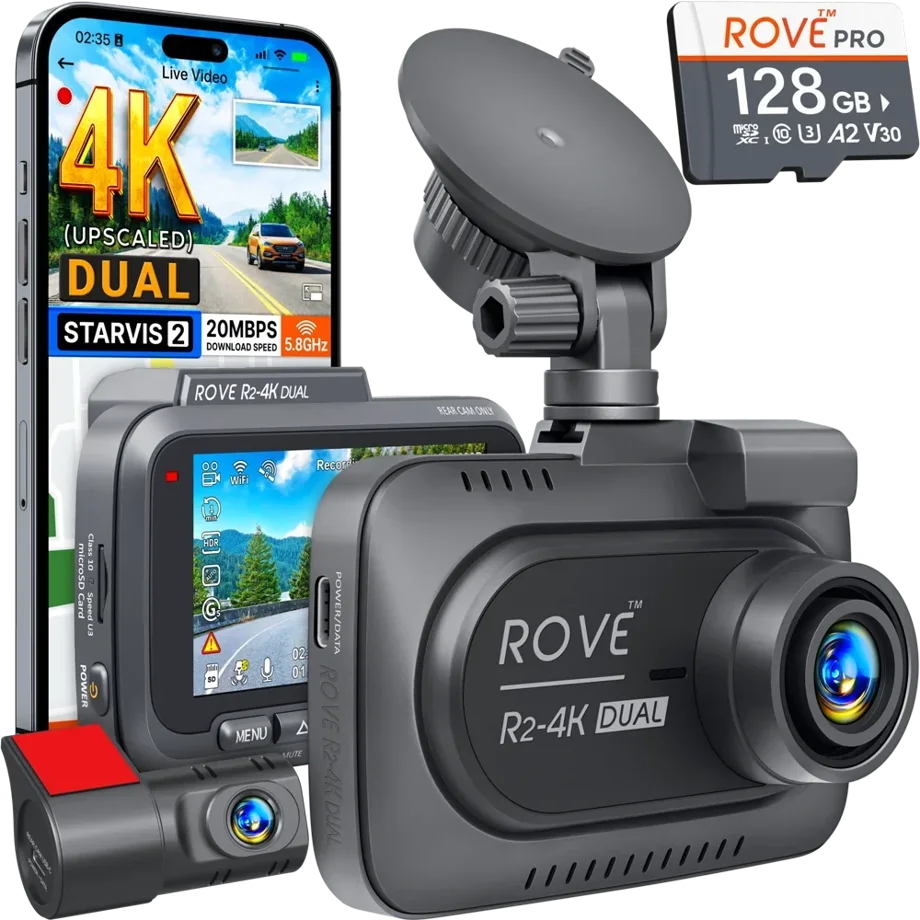 | Consider the R2-4K Dual if you need front and rear coverage and want to review a two-camera installation and phone-download workflow. | Check the exact R2-4K Dual generation, included 128 GB card, rear-camera cable length and power kit. Review the hardwire-kit requirement for parking recording. The manufacturer describes the non-Pro Dual front output as upscaled 4K. Keep its specification separate from the Dual Pro model. |
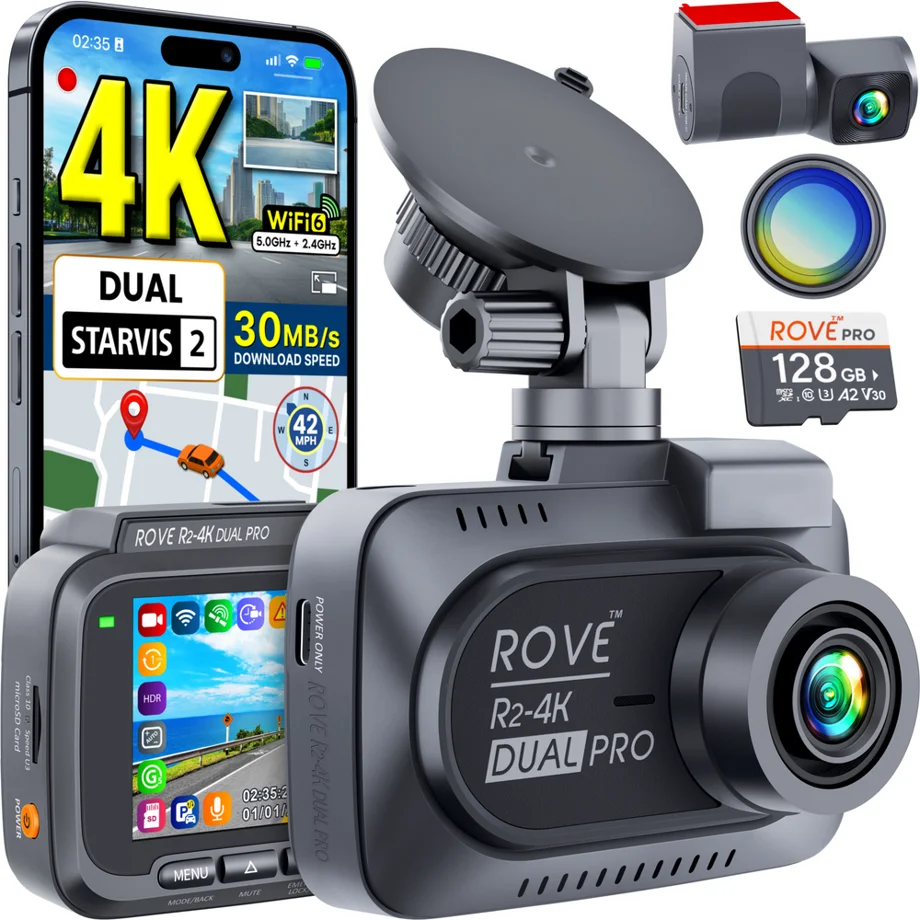 | Consider the Dual Pro if you want the manufacturer's 4K-front and 2K-rear configuration in a two-camera dash-cam system. | Match the exact Dual Pro model and retailer bundle. Confirm the memory card, CPL filter, cable length and parking-power accessories included with this ASIN. Dual Pro and non-Pro Dual use different published resolution specifications. Confirm the Pro name on the selected retailer offer. |